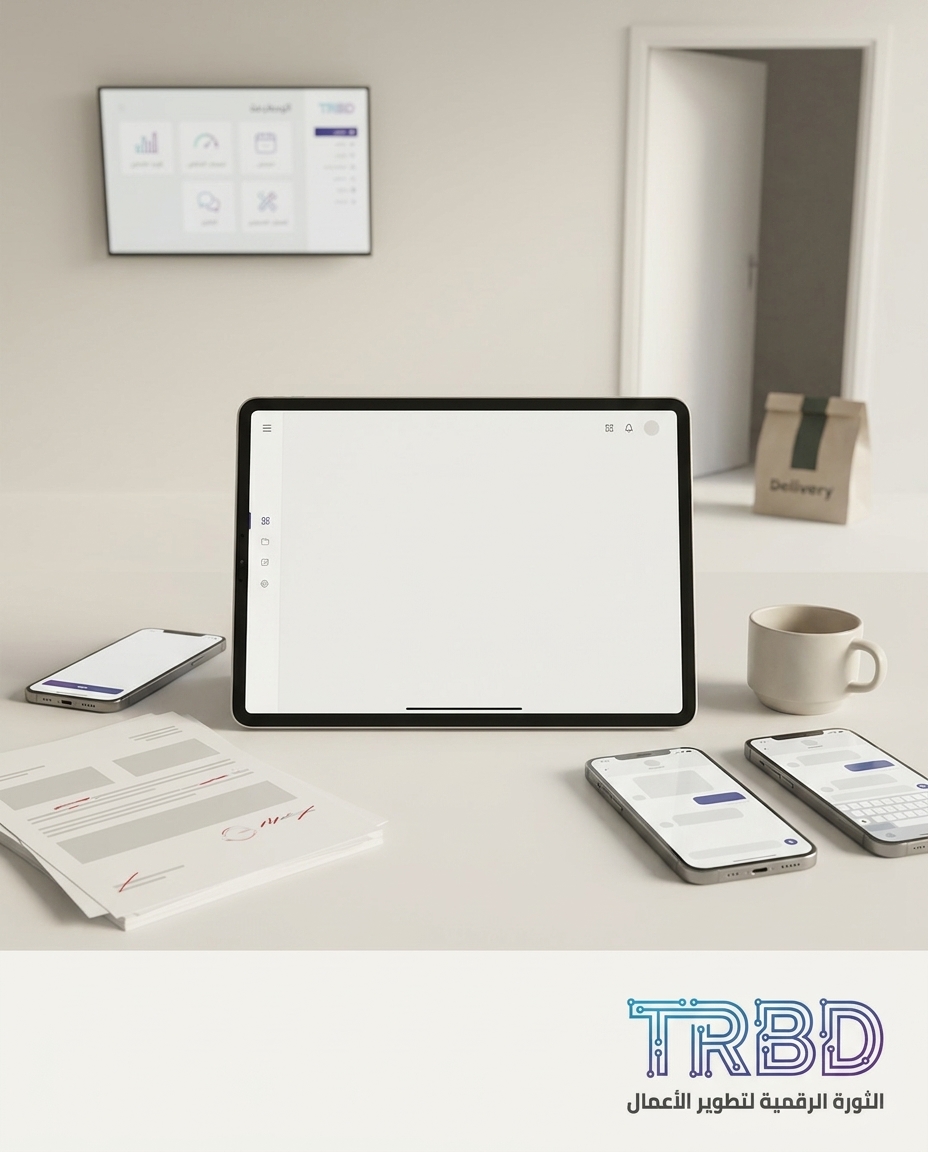
A Syrian driver and delivery app sits at the door, the rider holding a bag and staring at a screen that doesn’t speak the menu’s language. In the back office, three WhatsApp groups run at once, and each one tells a different version of the same order.
By the time the correct menu version reaches the chef, delivery timing is gone. A printed ticket with pen edits, and the accountant hunts for an invoice lost between an old folder and a screenshot.
The operational problem
The bottleneck isn’t delivery alone; it’s an operation split across scattered channels with no single source of truth. The order starts on WhatsApp, gets copied to paper, edited in Microsoft Excel, then reaches the kitchen late with an outdated menu. The result: wasted time, stressed staff, and a shaky customer experience.
When no one controls menu versioning, every seasonal tweak or out-of-stock item becomes a small incident. One staffer announces “stop this item” in one group, but the driver’s screen still shows it as available. The cost is not only money; it’s trust, when “sorry” replaces the dish.
7 out of 10 — Owners we met bill using a mix of Excel and WhatsApp.
Small errors pile up at month close. Order data is scattered, and manual edits create pricing and tax mistakes. In shops that rely on Excel alone, month-end close typically stretches between five and ten working days just to gather and reconcile invoices.
5 to 10 working days — Typical month-end close for an Excel-run SMB.
Then come the drivers. Without clear sync between kitchen, driver, and pricing, each party acts on the last message they saw. The owner ends up juggling three to five disconnected tools: WhatsApp for orders, Excel for pricing, a legacy accounting system, a paper log, and sometimes a basic POS inside the dining area.
3 to 5 tools daily — Typical number of tools the owner uses to run ops.
Every minute a driver waits or backtracks because of a menu mismatch is a non-billable minute that eats margin. More importantly, operational memory gets distorted. No one can answer quickly: who approved the final menu, when was the last disable, and where is the authoritative version kept?
Why off‑the‑shelf isn’t enough
Generic apps “work” until they touch your kitchen’s details and unique flow. You soon find they don’t grasp your menu logic, don’t respect Arabic-first interfaces, and can’t tame WhatsApp, which has become a de facto “system.”
A menu isn’t just a table; it’s pricing policy, offers, and out-of-stock alternatives. Off-the-shelf assumes a generic model that fails to mirror how an order moves from front desk to kitchen to driver, and it doesn’t unify order state across teams at the same time.
- No centralized guardianship of the “approved menu,” so conflicting edits repeat.
- Weak Arabic-first UI means longer training and more input errors.
- Limited integrations with your current accounting system or an in-hall POS.
- Drivers are field-first; generic apps rarely offer crisp Arabic states like “Ready to handoff” with clear buttons.
- No realistic management report: where’s today’s bottleneck — kitchen, handoff, or billing?
When cashier and kitchen sync with a Syrian driver and delivery app
The fix isn’t a “general app,” but an operating line designed for your order flow. At TRBD, we pair Mobile Apps with Business Management Systems (ERP/CRM) as one piece: a driver mobile UI, a clear kitchen board, and an admin panel that unifies menu, order, and invoice.
- Menu unification: a “Publish menu” button only fires after price review and disabling out-of-stock items. Everyone sees the same version after publish.
- Order routing: a “Hand to driver” button appears only after the order moves to “In prep,” then to “Ready.”
- Billing automation: “Generate invoice” pulls from the approved order, so no double pricing or lost sheets.
Practical project steps with us:
- Flow mapping session: we draw the order path from first contact to driver handoff and define the single source of truth for the menu.
- First working build: we ship a live prototype with one kitchen line and one driver to measure daily friction.
- Pilot launch: we expand to active drivers and all shifts, and stabilize daily reports.
- Stabilize and improve: we add real-life exceptions that appear in the first two weeks, then lock support routines.
About a month to a month and a half — From first session to first production build.
During the pilot, support tickets spike because users hit edge cases. That’s expected and useful. Rhythm then stabilizes, and ticket volume drops to a steady operating baseline.
15 to 25 tickets — In month one, then 2 to 4 tickets monthly after stabilization.
When the interface is Arabic-first, onboarding for non-technical staff shortens materially. No need for days of shadowing; a focused hands-on session covering the main buttons and states is enough.
Under 4 hours of training — To onboard a non-technical user on an Arabic-first UI.
Before/After at a glance:
| Area | Before | After |
|---|---|---|
| Menu | Scattered files and images | Approved version published via “Publish menu” |
| Order | Chained WhatsApp messages | Unified order card with clear states: Incoming/In prep/Ready/Handoff |
| Driver | Calls and repeated clarifications | One “Ready to pick” notification with route |
| Billing | Manual copy from Excel | Invoice generated from the approved order |
| Reports | Laborious manual effort | Daily board: bottleneck and prep time |
Two to three weeks — Adding a second module is faster once data model and auth exist.
How to start with us
If this sounds like your day, take a small step: send a short WhatsApp note describing one order’s path from first ping to handoff, and we’ll reply with a practical, no-commitment pilot suggestion. You can message us directly at https://wa.me/905537323153 to start a short chat; we’ll hand you a draft flow tailored to your kitchen.
My Take
A menu is not “design,” it’s an operating document. Every line must be treated as policy: who approves, who publishes, and who reconciles in the kitchen and at the rider’s phone. When that policy is translated into crisp buttons and organized states, a big chunk of chaos dissolves on its own.
Delivery is an operating system, not a long WhatsApp thread.
Real value doesn’t come from a pretty screen, but from state consistency across three rooms: front desk, kitchen, and the street. When you press “Publish menu,” and the same version appears on the chef’s board, the driver’s phone, and the accountant’s screen, a managerial decision turns into daily rhythm.
Don’t wait for a “complete solution” to rescue you. Starting with a working slice at a single pain point is the shortest path to relief. Once you watch a single order card move through three clear states, you’ll know exactly where minutes leak and where delays are born.
The right move is building your flow’s backbone. Don’t contort yourself around a generic app; make your screens match your flow. That way, when an employee leaves, the knowledge doesn’t walk out; it stays in buttons and reports, and your operation keeps standing.